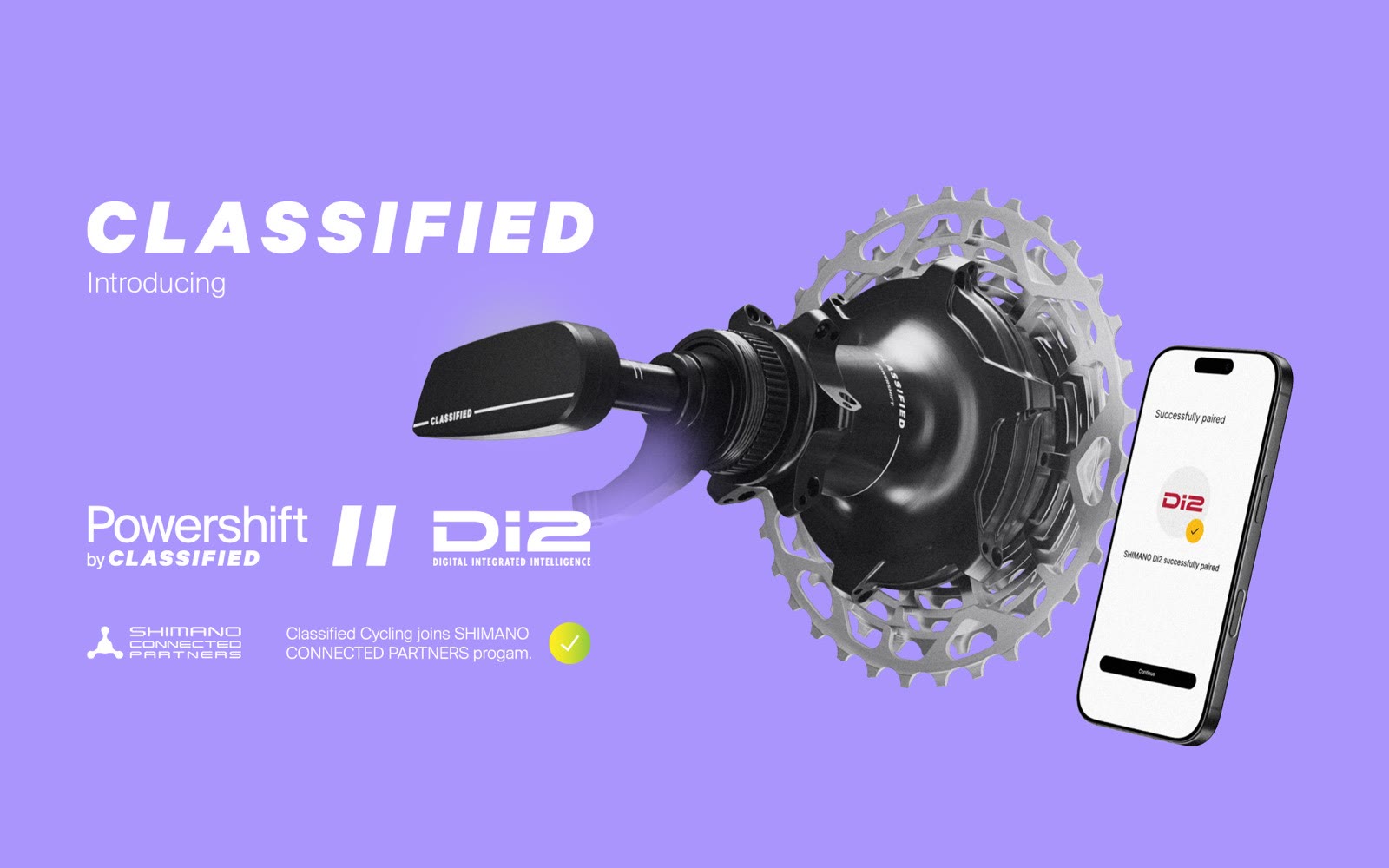
When Classified Cycling joined the Shimano Connected Partners program, they needed their companion app to support a new pairing flow: connecting Shimano DI2 electronic shifters to the Classified Powershift Hub. The hardware communication between DI2 and the hub happens over Shimano’s proprietary D-Fly wireless protocol. Our job was to orchestrate that pairing from the mobile side.
This wasn’t a simple “scan and connect” BLE feature. D-Fly pairing involves a multi-step sequence where the app authenticates with the hub, triggers pairing mode, monitors the connection between the DI2 shifter and the hub, and registers the result with a backend service. If any step fails, the app needs to guide the rider through recovery.
What Makes D-Fly Different
Standard BLE pairing in the Classified app follows a pattern we’d already built: scan for a device, connect, authenticate with a challenge-response handshake, and start reading characteristics. The app talks directly to the hardware.
D-Fly pairing is different. The app doesn’t connect to the DI2 shifter directly. Instead, it tells the Classified hub to enter pairing mode, and the hub and the DI2 shifter find each other over D-Fly channels 3 and 4. The app’s role is to authenticate with the hub over a dedicated BLE control channel, start pairing mode, monitor the state as the hub and DI2 shifter negotiate their connection, register the result with the backend, and then guide the rider to configure button assignments in Shimano’s E-TUBE PROJECT app.
The Internet Dependency Problem
One challenge we didn’t anticipate: D-Fly pairing requires an active internet connection to finalize the registration. If the rider is in a garage or workshop with spotty WiFi, the pairing can succeed at the hardware level but fail to register on the backend.
We built a state machine that tracks the full pairing lifecycle. If registration fails, the app retains the pairing state locally and retries when connectivity returns. The rider sees exactly what happened and what to do next.
The Pairing Flow
From the rider’s perspective, the flow is straightforward:
Behind the scenes, the app is managing BLE communication with the hub, monitoring pairing state transitions, and coordinating with a backend service for authentication.
See It in Action
Here’s the DI2 pairing flow for an existing Classified app user. The hub is already paired, so the app goes straight to the DI2 setup:
Building for the Classified Ecosystem
The DI2 integration required a different architectural approach than our existing device types. Classified’s handlebar and ringshifter are “real” BLE devices that pair directly with the phone. The DI2 shifter is what we call a “virtual device” in the app. It appears in the UI, has a pairing flow, and shows connection status, but the phone never connects to it directly. All communication goes through the hub.
This virtual device pattern turned out to be reusable. When TRP’s Vistar // Powershift integration came along, we applied the same architecture for the TRP CMD shifter.
What Riders Get
Shimano DI2 users can now shift the Classified Powershift Hub directly from their existing DI2 shift levers. No separate button, no additional hardware. The app handles the one-time pairing setup, and after that, it just works on the bike.
The integration was showcased at Eurobike 2025 and is available as a free update to all existing Classified app users.